Clear Signing (ERC-7730)
Serenita's staking DApp supports the ERC-7730 Clear Signing standard. With Clear Signing, you can easily verify every interaction you're making within our staking DApp. Blind signing is therefore not required if your wallet supports this clear signing standard.
Initial Setup
At the time of writing, the only wallet that support ERC-7730-based clear signing is Ledger so we will focus on that. However, any future wallet that supports this standard should work in a similar way.
Ledger Wallet (ex. Ledger Live)
Serenita's staking DApp is not yet listed in Ledger's official DApp catalog. This doesn't prevent you from using Clear Signing, however, it does require an extra step – manually adding our DApp to Ledger Wallet.
- Follow the instructions in Ledger’s documentation, specifically the part called Adding a Local App to Ledger Wallet. You can skip step 3. When you get to step 4, import the following manifest file:
Manifest
{
  "id": "serenita-staking-vault",
  "name": "Serenita Staking Vault",
  "url": "https://app.serenita.io",
  "dapp": {
    "nanoApp": "Ethereum",
    "networks": [
      {
        "currency": "ethereum",
        "chainID": 1,
        "nodeURL": "https://eth-dapps.api.live.ledger.com"
      }
    ]
  },
  "homepageUrl": "https://serenita.io/",
  "icon": "https://app.serenita.io/logo512.png",
  "platform": "all",
  "apiVersion": "^2.0.0",
  "manifestVersion": "2",
  "branch": "stable",
  "categories": ["staking", "defi"],
  "currencies": ["ethereum"],
  "content": {
    "shortDescription": {
      "en": "Stake any amount of ETH through Serenita's staking Vault. A non-custodial, audited and risk-minimized solution with optimal performance and clear signing support!"
    },
    "description": {
      "en": "Serenita provides enterprise-grade staking services with a focus on top-tier performance and minimal risk. Our exclusive focus is on the Ethereum ecosystem and we are dedicated to its long-term sustainability and neutrality. For a deeper understanding of our operational approach, visit our website below!"
    }
  },
  "permissions": [],
  "domains": ["https://app.serenita.io"]
}
Once imported you should see the Serenita Staking Vault App in the Discover section.
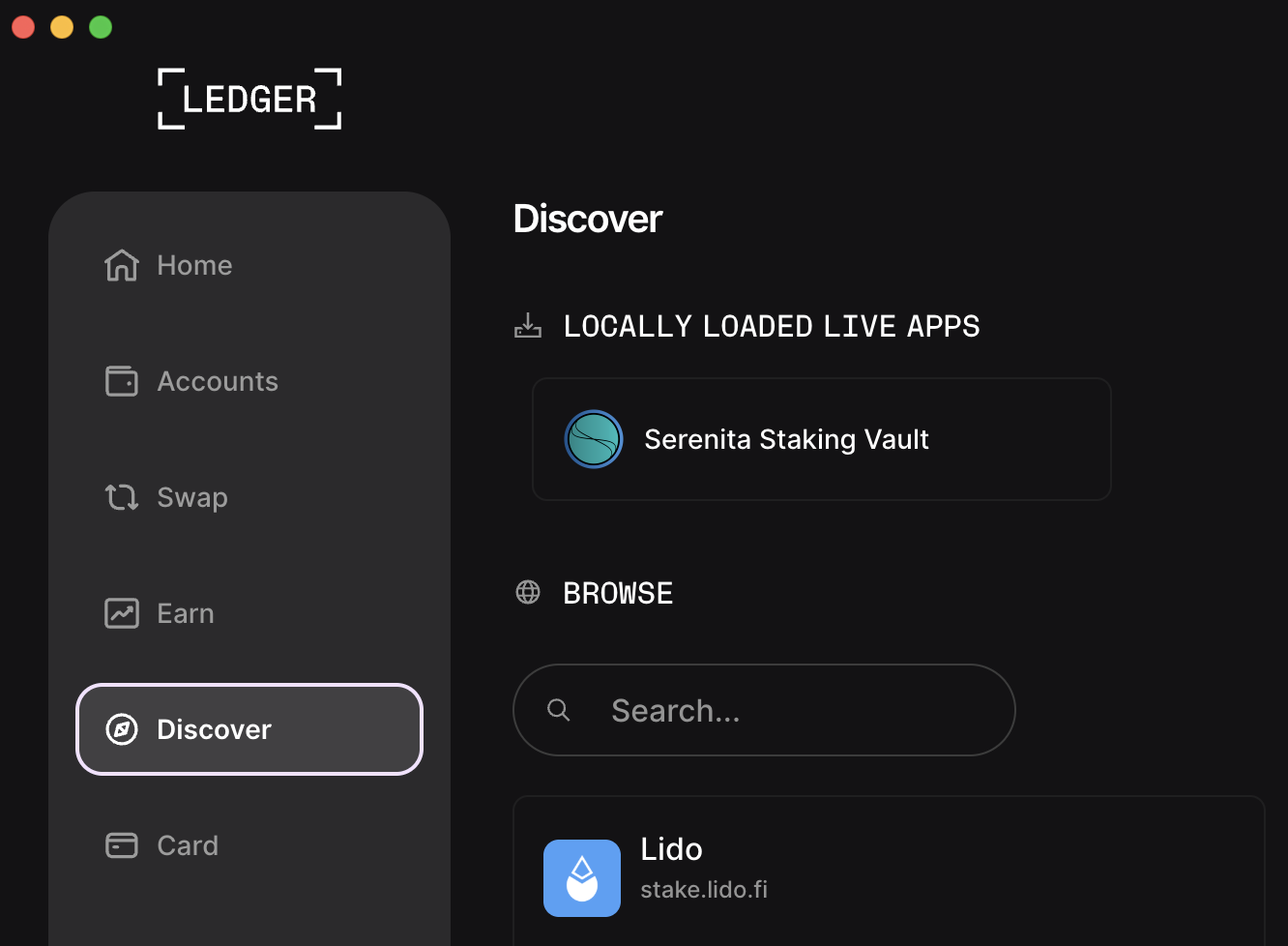
Simply click on the App to open it. All interactions within that App should support clear signing.
Using Clear Signing
The images below may not correspond exactly with what you see on your Ledger device due to device differences. However, you should be able to see the same amount of information on every Ledger device that supports Clear Signing.
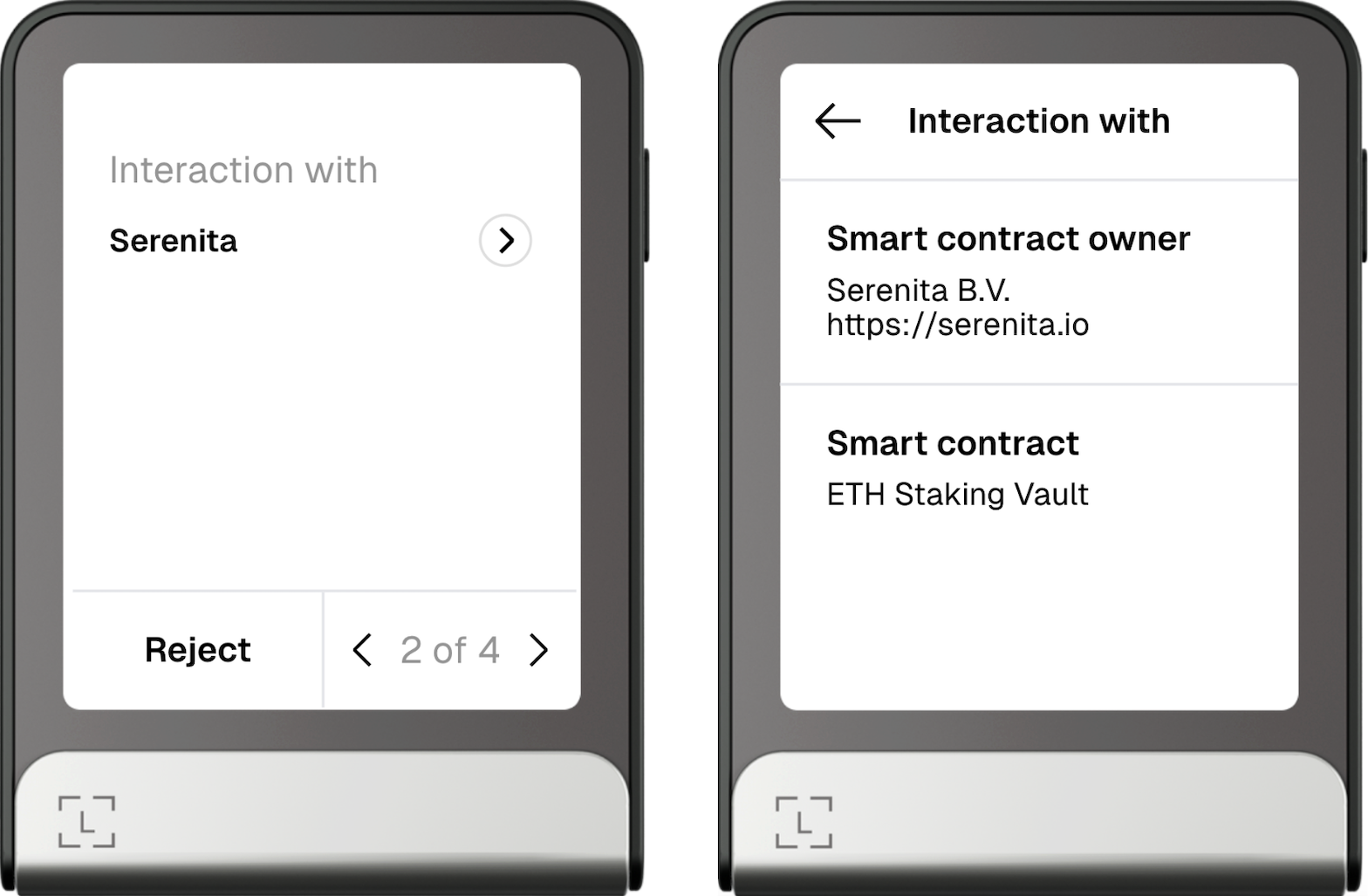
Clear Signing allows you to see the details of the entity that owns the smart contract you're interacting with.
Staking
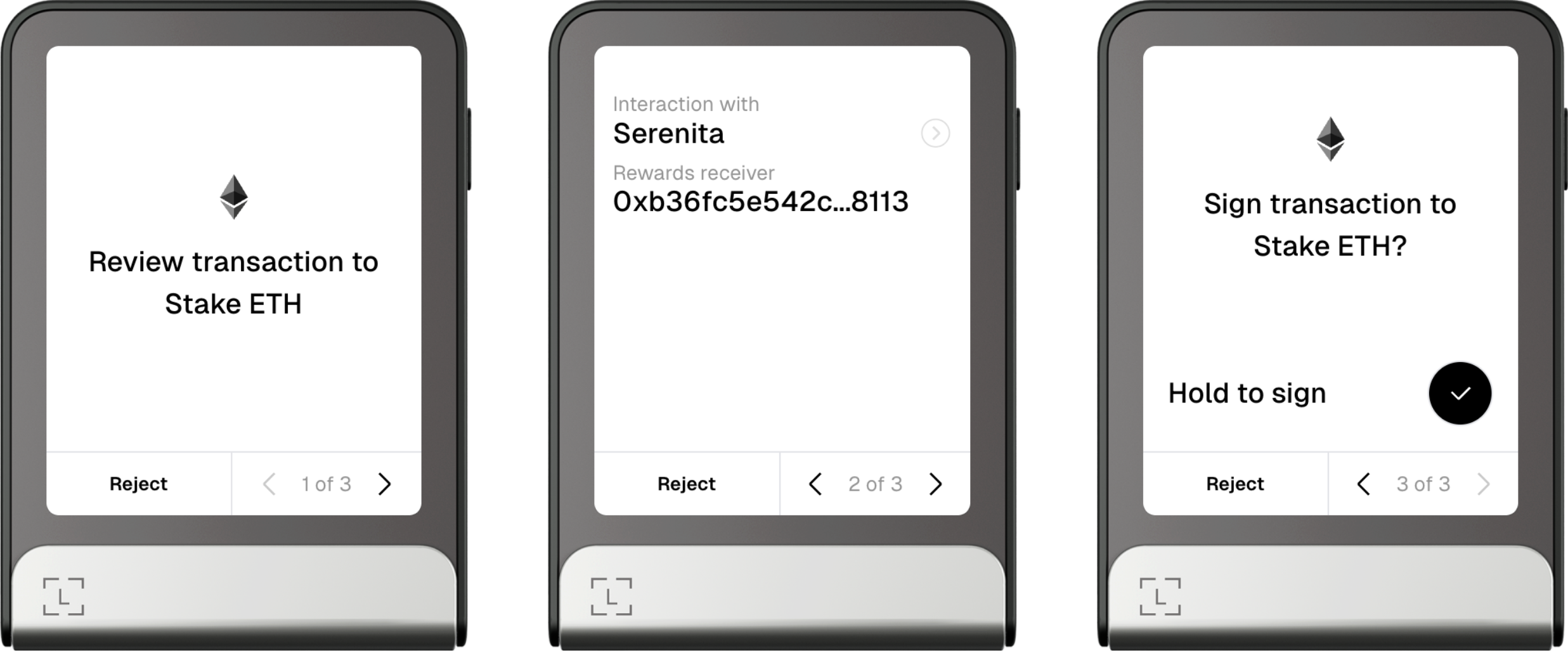
When approving the staking transaction you will see the address that will be able to claim the initial deposit and any accumulated staking rewards.
Not seeing "Stake ETH"?
In some cases when staking ETH you will see a different action name – Update & Deposit instead of Stake ETH. This is completely fine and happens due to internal accounting in the smart contract – sometimes its state needs to be updated before it accepts a new deposit.
Unstaking
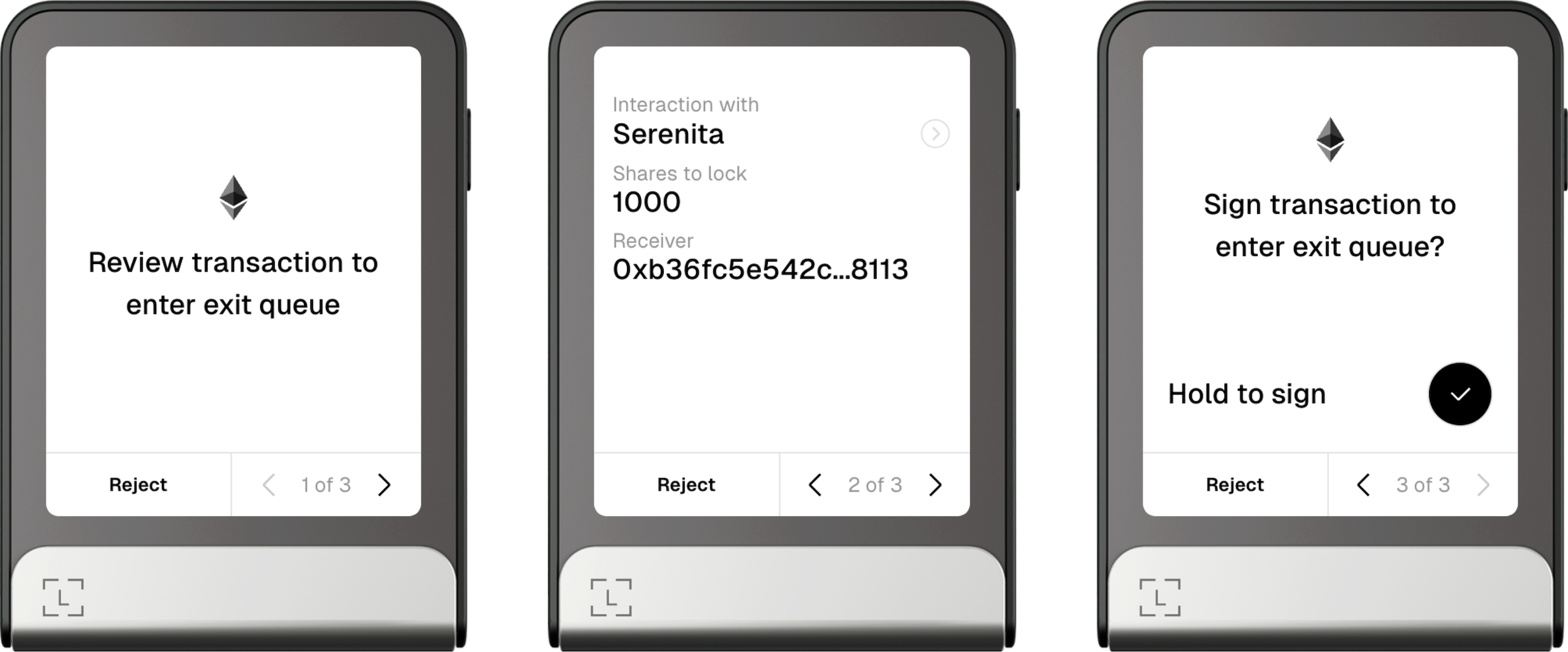
Unstaking consists of two steps:
-
Requesting the ETH to be unstaked / exited
This triggers withdrawals of ETH from the beacon chain and validators to exit if needed. Ethereum protocol limitations apply, notably the exit queue that may affect how long it takes for the requested unstaked ETH to become claimable. The DApp should show an estimate of how long this step will take.
-
Claiming the exited assets
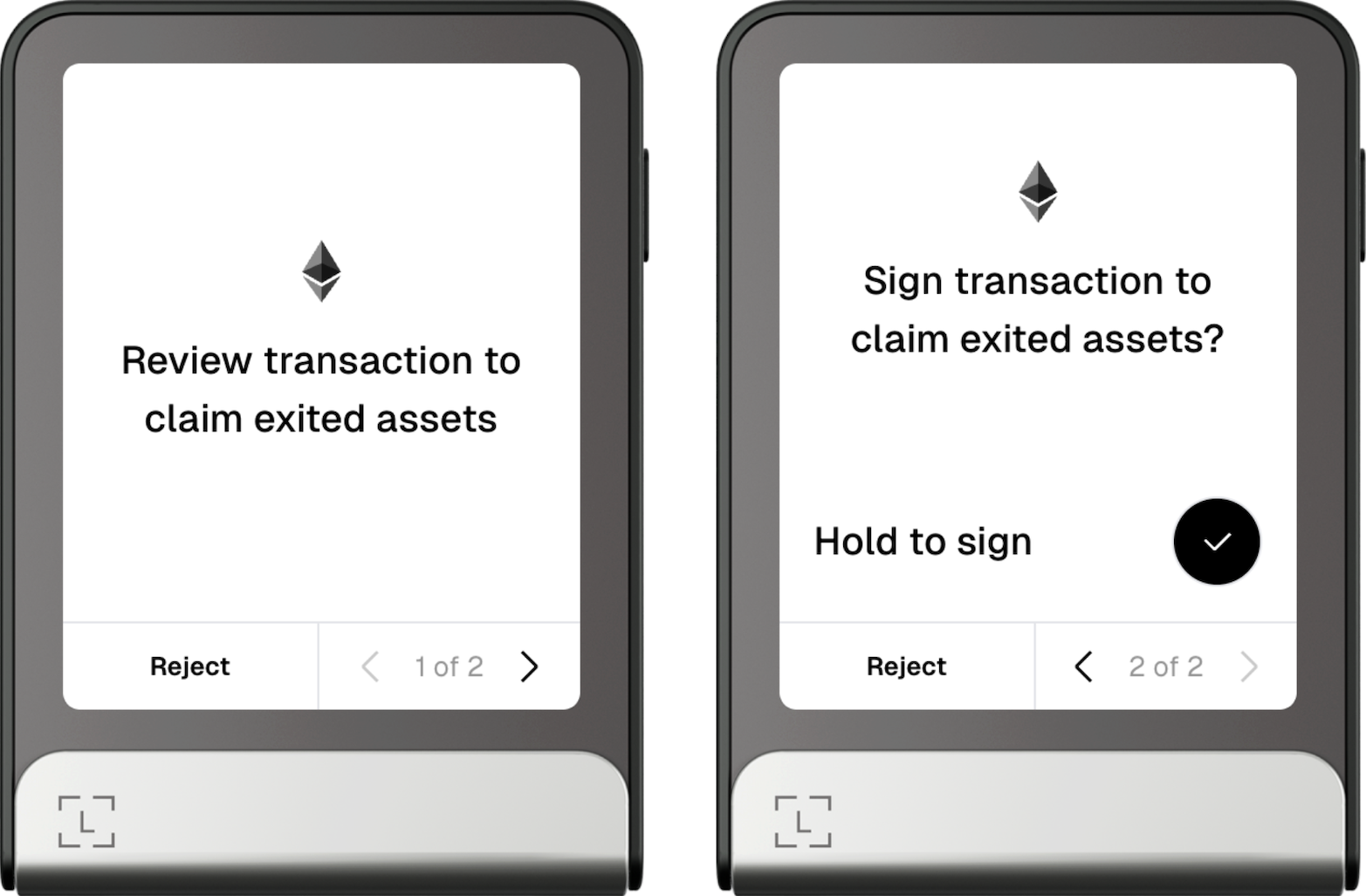
Once the ETH is unstaked and claimable you'll need to perform one more transaction to claim the exited assets.